PayBy Purchase Order
Checks are required to process a purchase order! Shop online, pay by "Check", then mail your check and PO. 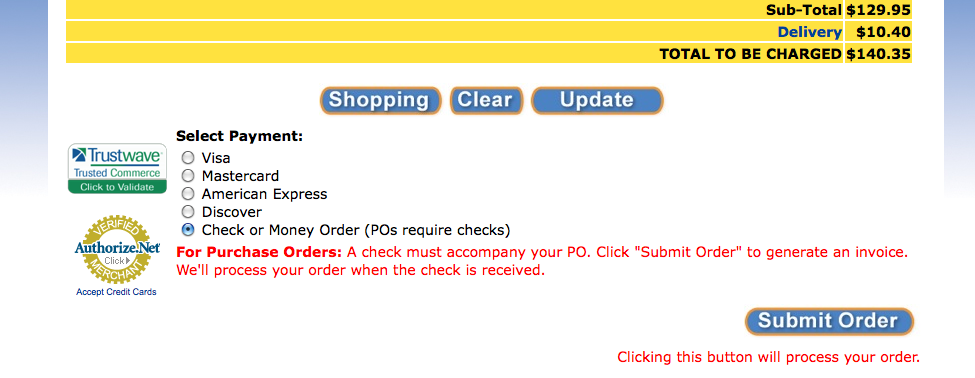 Detailed Instructions: 1. Shop for items online and click "Checkout," just like you would if you were paying by credit card. 2. At the bottom of the checkout screen select "Check or money order" as payment. 3. Click "Submit Order." 4. You will get a printable invoice which you can use to process your PO internally in your school. 5. Mail the check with the Digital Wish order number indicated in the memo field to: Digital Wish Accounts Receivable PO Box 255 Milton, DE 19968 6. Checks take about five business days to clear before we can process your order and have it shipped to your school. *Please note this process does take longer, if you need your order quickly we suggest paying by credit card. Digital Wish's Tax ID #: 26-1119413 Digital Wish's W-9 Form: Please download it! Email [email protected] or call 302-550-3510 if you need assistance. |



Register | Invite | Vendors | Report Issue | Contact Us | About Us | Login
Digital Wish is a U.S. 501 (c)3 non-profit organization.